

The Quality view combines authored SQL tests and audits with their latest durable results. Filter by passing or failing state, expand a check to inspect its SQL and sampled failures, or follow links back to the affected model.

Run checks

Use Run audits or Run tests to execute checks from the UI. Checks run sequentially so a local ClickHouse target is not flooded with concurrent scans. Running a check reads warehouse data and records its result; it does not rebuild model relations. Result state is tied to the current definition and execution context. The UI identifies stale results caused by binding, definition, execution, or schedule changes rather than presenting them as current evidence. For authored syntax and command-line execution, see Audits and SQL Testing.
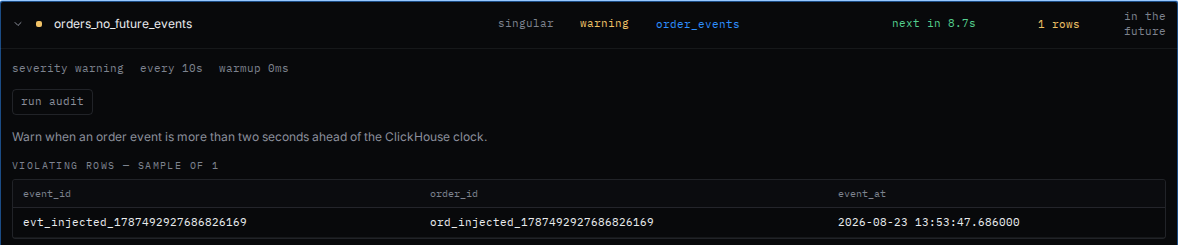
Audit scheduler

stb dev owns the optional audit scheduler for its selected target. Enable it in project configuration:
The Quality view reports whether scheduling is disabled, idle, warming, due, blocked, running, or in backoff. Run one scheduler-enabled process per target database. The scheduler skips work during direct builds and serializes audit batches with warehouse reads. Connection and compilation failures use bounded exponential backoff and clear after a successful read. If two dev processes overlap during a restart or operator mistake, warehouse-backed logical-slot claims elect one executor without requiring Keeper. Claims use the ClickHouse clock and expire from election consideration after 10 minutes so a process that dies before emitting run heartbeats cannot block the slot permanently. If an old process is suspended for that entire window rather than terminated, it can resume after takeover and repeat read-only audit computation. Logical-slot result resolution remains deterministic.