

http://127.0.0.1:8000. The server compiles the selected project, connects to its resolved
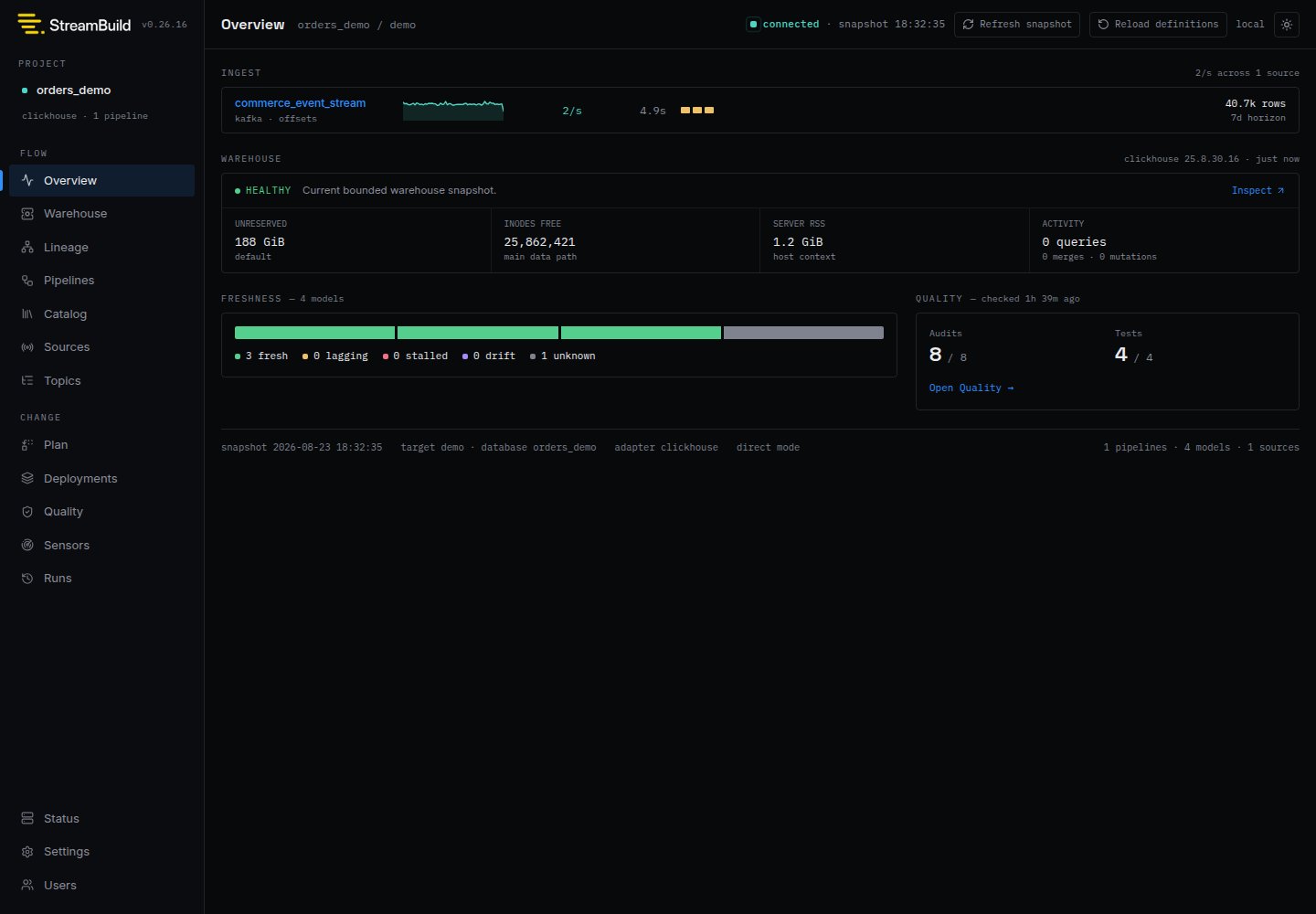
ClickHouse target, and combines authored definitions with live warehouse evidence. The header shows
the project and target, connection state, and the time of the current warehouse snapshot. StreamBuild
refreshes live state periodically, and the refresh button requests a new snapshot immediately.
Find the right view
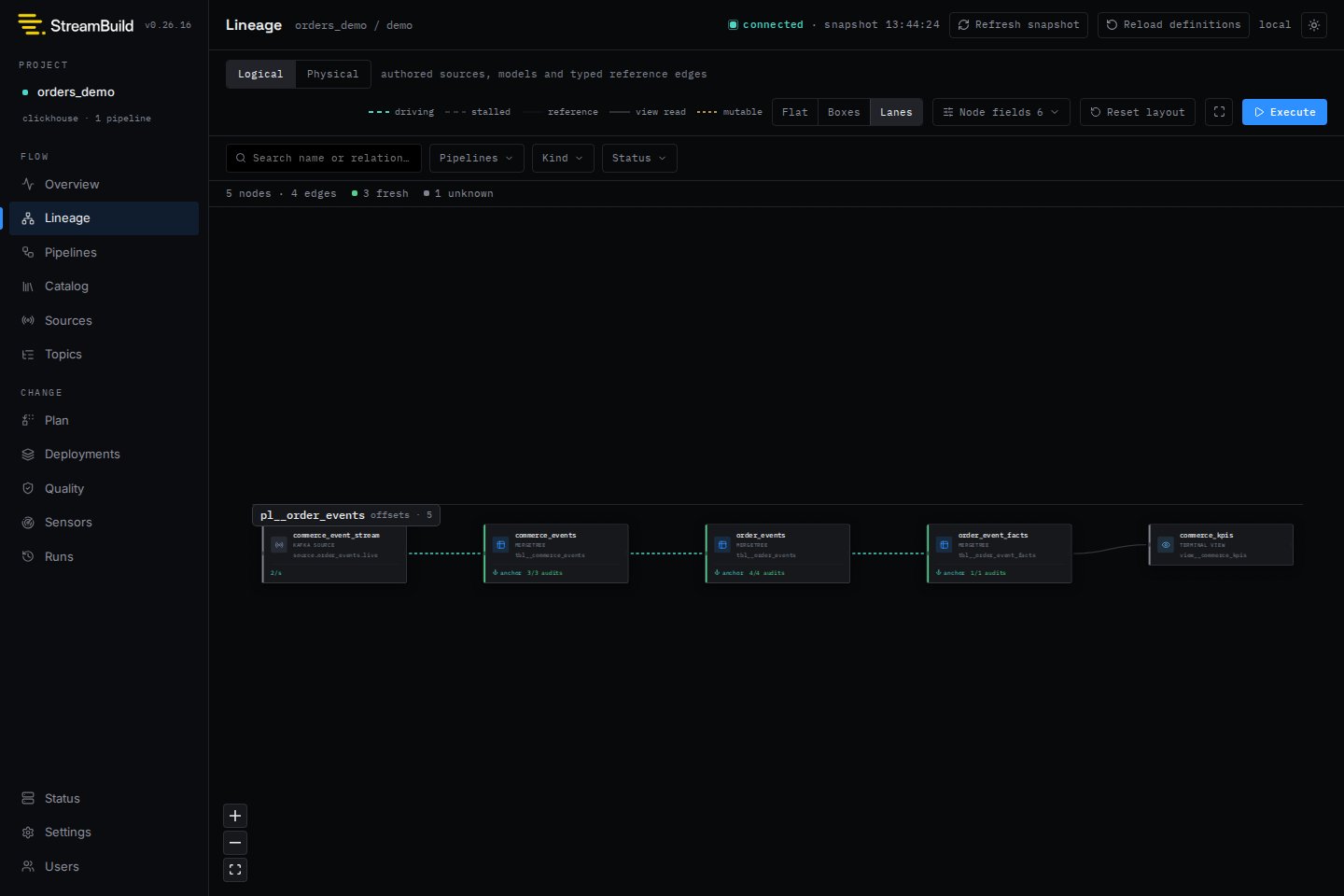
Operating model
The UI serves one resolved project and target perstb dev process. Configuration remains owned by
streambuild_project.toml and streambuild_local.toml; Settings displays the effective values but
does not edit them.
The Plan workflow executes direct, virtual, and mixed builds through the same StreamBuild command
path used by the CLI. The Deployments view provides inventory, diff, promotion, and cleanup;
deployment audit, rollback, repair, and reconciliation remain explicit CLI operations. See
Virtual Environments.
Local stb dev defaults to disabled authentication and loopback binding. For shared access, choose
trusted-proxy or password authentication and define project permissions. See
Authentication and Access Control.
Next steps
Warehouse Health
Check ClickHouse capacity, memory context, and current activity.
Sources
Inspect landing health, retention, freshness, and Kafka lag.
Topics
Inspect managed topics and read-only broker metadata.
Messages
Search and inspect records retained in ClickHouse.
Plans
Preview warehouse changes and launch builds.
Runs
Inspect durable progress, history, cancellation, and recovery.
Quality
Run tests and audits and understand scheduler state.